Many times I need one last job done, and I already know it will finish without problems. A commit, a push, a note filed in my vault. I send the message, and then the tab stays open for nothing. I do not want to read the reply. I only want the tab gone.
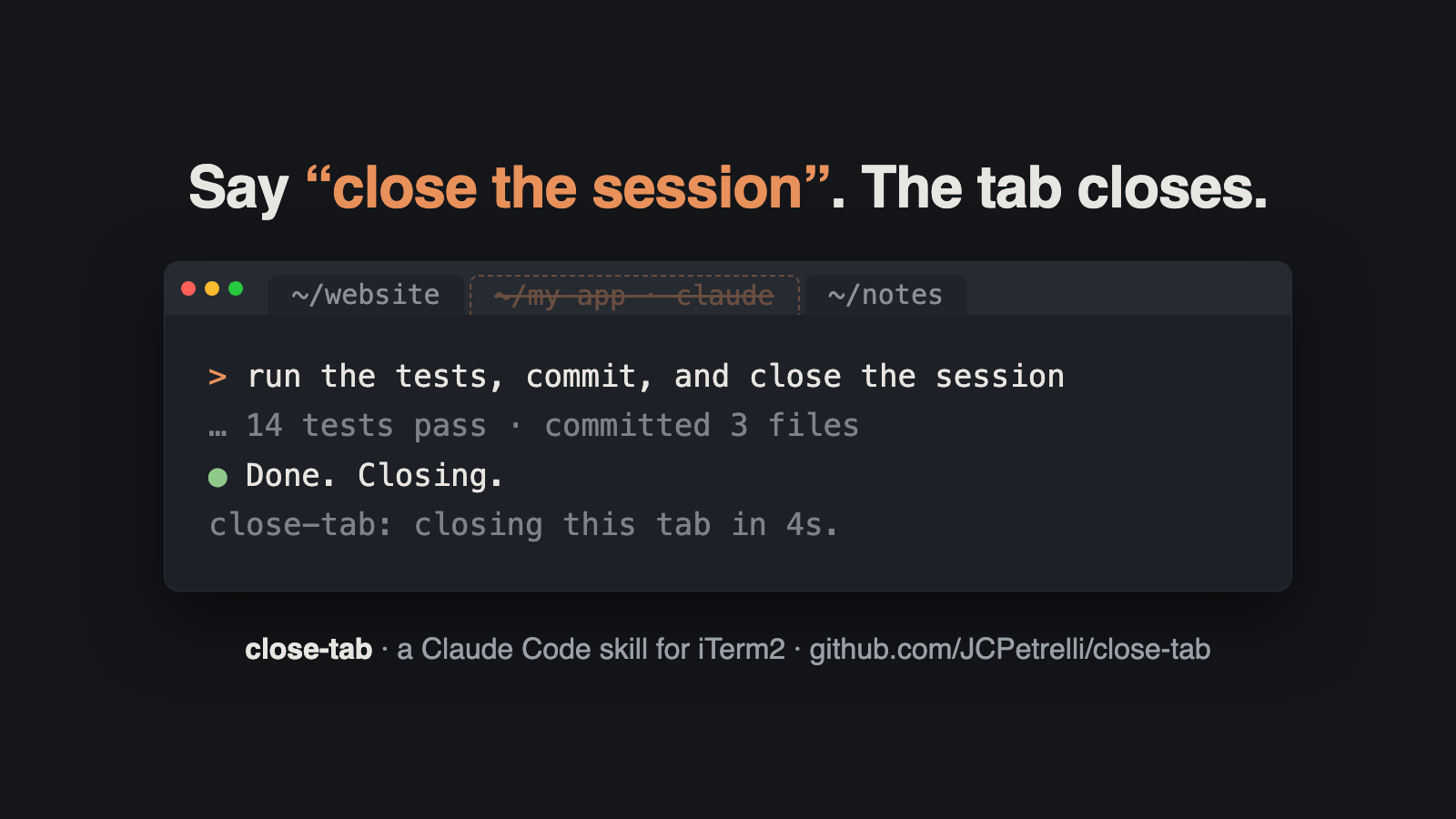
So I made close-tab, a small Claude Code skill for iTerm2 on macOS. End your last message with “close the session”. Claude Code finishes the work, writes one line, and closes its own tab. Other tabs stay open.
The code is on GitHub: JCPetrelli/close-tab. It is MIT licensed.
What it does
You add the phrase to the end of a normal request:
> run the tests, commit, and close the session
> update the docs, push, close the tab
> /close-tab
Claude Code does the rest of the request first. Then it runs a script, writes a short line such as Done. Closing., and about four seconds later the tab closes.
The skill also tells Claude Code when not to close. If a step failed, if it needs a decision from you, or if a background task is still running, it keeps the tab open and says why in one line. A closed tab hides a failure, so the default for any problem is to stay open.
How it works
There are two files. SKILL.md tells Claude Code when to use the skill and what to check before it closes. close_tab.sh does the closing.
The script works in four steps:
- It reads the tab’s ID from
ITERM_SESSION_ID. iTerm2 sets this variable in every session, in the formw0t1p0:<UUID>. The UUID is the part that identifies the session. - It walks up the process tree with
psuntil it finds the Claude Code process. - It starts a closer in its own process session with
setsid. Without this, the closer would stop together with Claude Code. - The closer waits, sends
SIGTERMto Claude Code, and then asks iTerm2 through AppleScript to close the session with that UUID.
The order of step 4 matters. If iTerm2 closes a tab while Claude Code still runs in it, it can show a confirmation dialog, depending on your profile settings. When Claude Code is stopped first, only the shell is left, and iTerm2 closes the tab without a question. SIGTERM also lets Claude Code exit in the normal way, so session-end hooks still run.
The four-second delay gives the last line time to appear. You can change it with the CLOSE_TAB_DELAY variable if your reply does not render in time.
Install
As a plugin, inside Claude Code:
/plugin marketplace add JCPetrelli/close-tab
/plugin install close-tab@close-tab
Or as a plain skill:
git clone https://github.com/JCPetrelli/close-tab.git
mkdir -p ~/.claude/skills
ln -s "$PWD/close-tab/skills/close-tab" ~/.claude/skills/close-tab
Start a new session after the install, so Claude Code loads the skill. The first time it runs, macOS can ask if iTerm2 may control iTerm2. Click Allow once.
To see what the script would do without closing anything:
bash ~/.claude/skills/close-tab/close_tab.sh --dry-run
# session=8FA229C8-... claude_pid=35885 delay=4s
What I tested
The tests in the repository use --dry-run and fake environments, so they never close a tab. They check that the script exits outside iTerm2, rejects a bad delay value, reads the session ID, and finds a parent process that shows up as claude. GitHub Actions runs them on Ubuntu and macOS, with ShellCheck.
I tested the closing step on a separate iTerm2 tab with a running process. The script stopped the process and closed that tab, and no dialog appeared. I also installed the plugin from GitHub into an empty Claude Code config to check that the install commands in the README work.
Limits
- It works only in iTerm2. In Terminal.app, Ghostty, WezTerm, VS Code or tmux, the script changes nothing and exits with code 1, and Claude Code asks you to close the tab yourself.
- In a split pane, it closes the pane, not the whole tab.
- It closes the tab even if you scrolled up to read. If you want to read the reply, do not ask it to close.
If you already use TabChroma, my plugin that colours iTerm2 tabs by what Claude is doing, close-tab handles the other end of a session. TabChroma shows you which tab needs you, and close-tab removes the tab when nothing needs you anymore.
Pull requests for other terminals are welcome on GitHub.